Why Budget 3D Printers Feel Like a Minefield (And How to Navigate It)
You’re standing in your garage or workspace, staring at your bank account, and you want a 3D printer. Not a dream machine that costs as much as a used car. You want something that actually works without remortgaging your house. I get it. I’ve been there. The frustration of scrolling through Creality’s lineup, seeing similar names, similar prices, and absolutely no clarity on which one you should actually buy is real. This comparison chart cuts through that noise and gives you what you need to make a smart decision.
Understanding Creality’s Entry Level Options
Why Creality Dominates the Budget Space
Creality has basically cornered the market for affordable 3D printers. They’ve sold millions of units worldwide. Their ecosystem is mature. You can find replacement parts at 2am on a Sunday. Community support is massive. They’re not the fanciest brand, but they’re reliable in ways that matter when you’re learning.
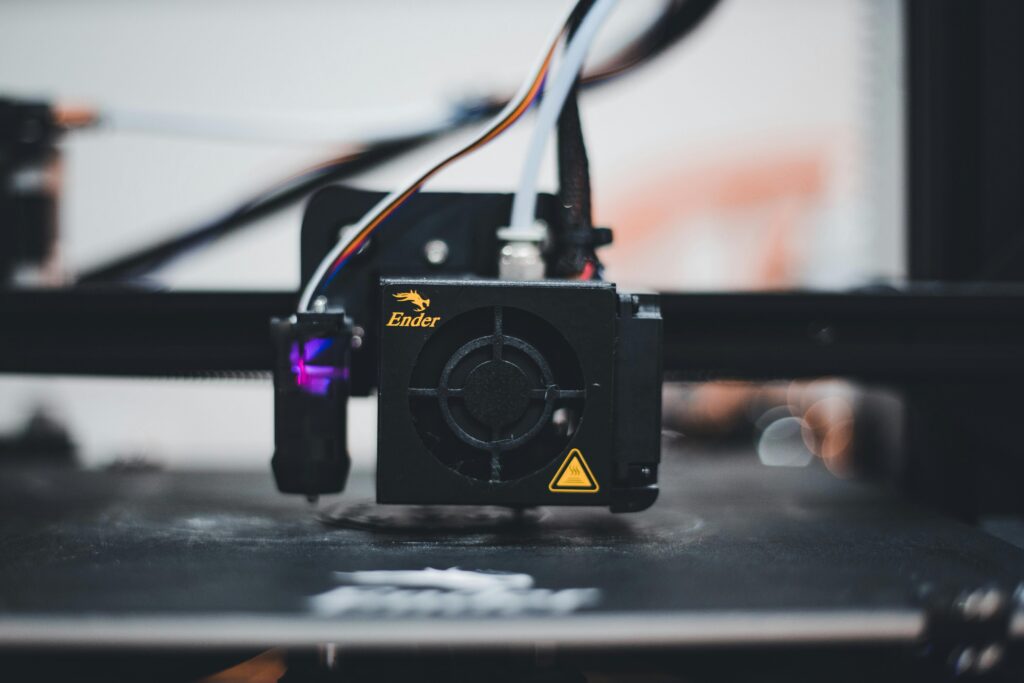
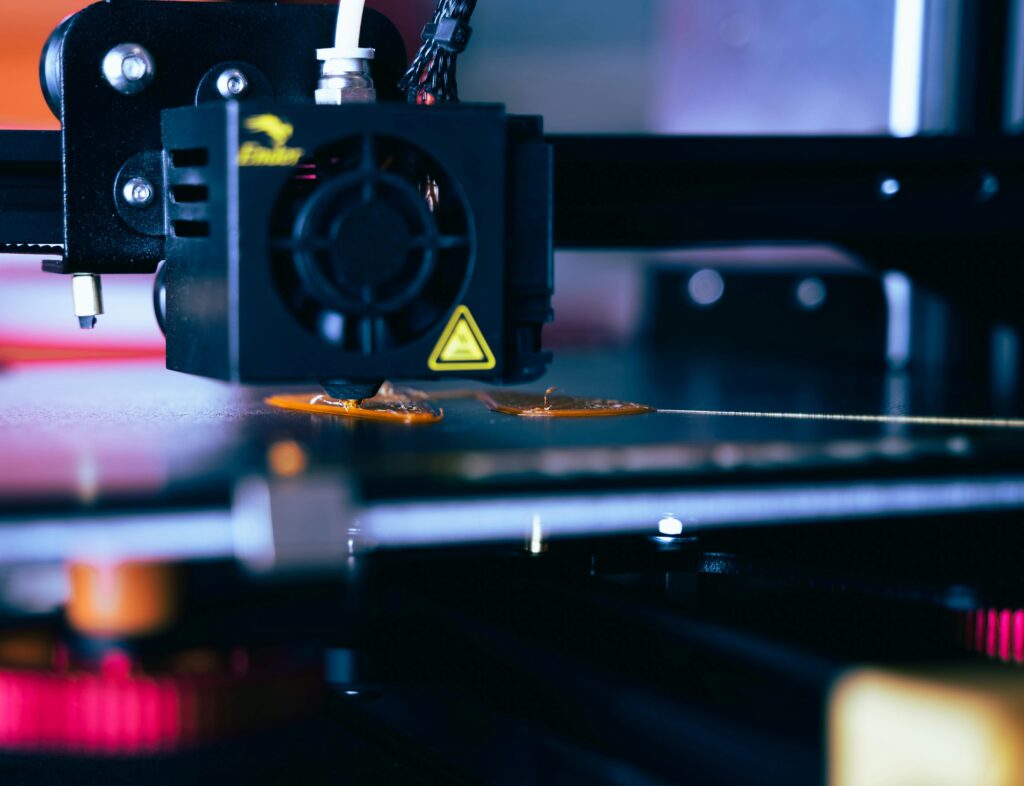
The company started with the Ender 3, which became the Honda Civic of 3D printing. That single printer showed the world you didn’t need to spend thousands. Everything Creality makes now exists in that shadow. Some models improved on that formula. Others are just slight variations with different names.
Printer Categories at Different Price Points
Creality’s lineup breaks down into rough tiers. Under $200 you’ll find the most basic models. Between $200 and $400 sits the sweet spot where most people actually end up buying. Above $400 you’re getting into larger build plates, better cooling, or slightly better reliability margins.
The confusing part is that Creality hasn’t cleaned up their naming scheme. You’ve got the Ender 3, Ender 3 V2, Ender 3 V3, and Ender 3 S1. Then there’s the CR-10 family. The CR-Scan stuff isn’t even printers. It gets messy fast.
The Core Models Broken Down
Ender 3 and Ender 3 V2: The Classics
The original Ender 3 is still sold new. It costs less than $200 usually. It prints. That’s the honest assessment. You will tinker with it. The bed leveling is manual. The cooling isn’t aggressive. But thousands of people have had successful experiences with this exact printer.
The V2 version adds an upgraded extruder, better power supply, and a sleeker design. It costs maybe $80 more. I made a huge mistake when I first reviewed these by assuming the V2’s improvements were marginal. I was wrong. That better power supply alone prevented so many headaches for users who weren’t technically savvy. The V2 represents a real step up despite looking similar.
Ender 3 V3 and S1: The Modern Generation
Now we’re entering newer territory. The V3 brought automatic bed leveling to the budget line. Game changer. No more fussing with four knobs for 30 minutes before every print. The V3 also upgraded the cooling fan placement. Overhangs actually work without looking like melted plastic.
The S1 is positioned as a slightly different direction from the V3. Larger nozzle option. Direct drive instead of Bowden. These changes appeal to people who’ve already used one of the earlier models and know what they want. For absolute beginners, the V3 is probably the better choice because it’s more refined.
Comparing Build Plate Size and Print Volume
Standard 220×220 Build Plate Models
Most of Creality’s budget line sticks with a 220×220 millimeter build plate. That’s 8.6 inches square. It sounds small until you realize you can print a figurine, a custom phone stand, or a miniature terrain piece. You just can’t print a full-size helmet or large terrain base in one go.
The Ender 3, V2, and V3 all use this size. It’s their standard. Parts are available everywhere. Bed adhesion solutions are well documented. You won’t struggle finding examples of what people print on this platform.
Larger Format Options: CR-10 and Beyond
The CR-10 line gives you 300×300 millimeters. That’s almost twice the area. Suddenly you’re printing larger objects without splitting them into parts. The trade-off is price and footprint. You need more space in your workspace. Setup gets slightly more complex.
Between the standard Ender 3 platform and the CR-10 sized machines, there’s actually very little middle ground in Creality’s current offerings. Either you’re fine with smaller prints, or you jump up in both size and cost. It’s one of the weird gaps in their lineup that sometimes frustrates people shopping for something in between.
Heated Bed, Cooling, and Thermal Management
Heat Bed Capabilities Across Models
Every model we’re discussing has a heated bed. This matters because you can’t reliably print PLA without it. The question is how hot and how consistent. The original Ender 3 reaches about 100 degrees Celsius. That works fine for PLA. Getting to 110 degrees for PETG or higher temperatures for ABS gets questionable.
Newer models upgraded the power supplies and heating elements slightly. The V3 and S1 have better thermal management overall. You won’t see massive temperature differences across the bed like you sometimes do with the original model. That sounds minor until you’re dealing with a warped first layer that won’t stick properly.
Part Cooling Fan Design and Effectiveness
This is where I see the biggest practical differences between models. The original Ender 3 had a fan duct that worked okay. Not great. Overhangs printed with visible artifacts. The V2 improved the cooling slightly. The V3 redesigned this more substantially.
If you plan to print miniatures, terrain with overhangs, or anything with fine details, the cooling system matters more than you’d think. The S1 added a larger 4015 fan instead of the standard 4010. It’s louder but more effective. That’s a real decision point depending on your environment and print priorities.
What People Actually Use These Printers For
Hobby and Personal Projects
Most budget Creality printer owners print miniatures for tabletop games, replacement parts for broken items around the house, and random experiments. The build platform size is perfect for these use cases. You’ll never run out of things to print at this scale.
Miniature painters absolutely love these machines. Print detail is surprisingly good with the right settings. You can print a whole army of custom figures. The costs work out to pennies per piece. If this is your primary goal, honestly, even the cheapest Ender 3 does this job well.
Small Business and Reselling Printed Items
Some people try to run small businesses printing and selling items. I’ve talked to several who started with a Creality printer. The margins work if you’re efficient. You’re printing low cost. You can cover electricity and filament easily if you’re moving volume.
The limitation kicks in when customers want larger items or when you need consistent quality across hundreds of prints. That’s when you typically upgrade or add multiple machines. But as a testing ground to see if this actually works as a side business? Perfect.
Practical Tips for Choosing Between Models
- Start with your actual use case. Will you print tiny things or larger objects? That’s question one. The build plate size drives everything else.
- Automatic bed leveling matters if you’re not technical. If you’re uncomfortable with tuning hardware, pay for the V3 instead of starting with the original Ender 3. You’ll actually use the printer instead of getting frustrated.
- Calculate the real cost including upgrades. Every budget Creality printer benefits from a metal bed upgrade, better extruder, and cable management. Factor that into your initial investment decision.
- Read current user reviews, not old ones. Creality updates production runs. A review from 2021 might not apply to what you’re buying in 2024. Look for recent feedback.
- Check what’s included and what costs extra. Some sellers include build plate adhesive, some don’t. Some include removal tools, some don’t. These add up.
- Join the specific subreddit or Discord for whichever model you choose. Community support is the real advantage of popular Creality machines. Use it.
- Budget for filament testing, not just the printer itself. You’ll waste filament learning settings. That’s normal and necessary. Accept it upfront.
- Check power requirements before buying. Some budgets setups use older power supplies. Make sure your outlets and breakers can handle it safely.
Honest Questions You’re Probably Asking
Is the cheapest Creality model actually worth buying?
Yes, but with conditions. The original Ender 3 under $200 works. People have great experiences with it. The problem is you need to be willing to tinker, troubleshoot, and learn. If you’re buying your first printer and you’re already intimidated by the technology, spending an extra $100 for the V2 or $150 more for the V3 removes friction in ways that matter. That said, if you enjoy problem solving and you’re technical by nature, the original model is genuinely fine and saves you real money.
How long do these printers actually last?
I’ve got an original Ender 3 from 2018 that still works perfectly. It’s printed probably 5000 hours of material. The only parts I’ve replaced are the nozzles, which cost dollars